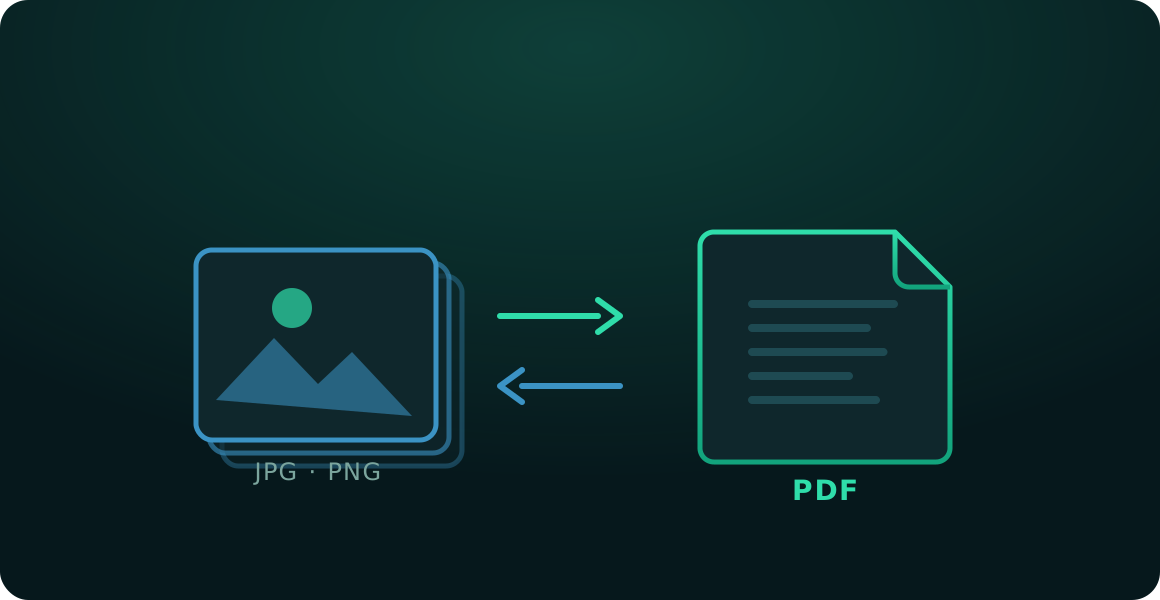
Convert images to PDF and PDF to images, online and free
Upload your file, pick the output format and download it instantly. No accounts, nothing to install, and your documents are never uploaded to a server.
Your files are never uploaded
No upload waiting
Unlimited conversions
0Files uploaded
20 MBPer file
30Pages per PDF
JPG · PNG → PDF · and back
Convert to:
Getting ready…
✓
Done
Nothing is sent to the internet: the file is read and generated on your device.
Files up to 20 MB · PDFs up to 30 pages (depending on your device's memory).
Advertisement
How it works
1
Upload your file
Drag one or more images, or a PDF, up to 20 MB each.
2
Pick the format
PDF, JPG or PNG, depending on what you uploaded.
3
Download instantly
Your file is generated in your own browser and downloads in seconds.
A fast, private image and PDF converter with nothing to install
Turning a photo into a PDF, or pulling a page out of a PDF as an image, is one of those small tasks that appears constantly and that most tools make more complicated than it needs to be. You either install software you will use twice, or you upload your document to somebody else's server and hope for the best.
ConvertiPDF takes a different route: the conversion runs entirely inside your browser. Nothing is uploaded, nothing is stored, and there is no account to create. When you close the tab, nothing is left behind.
Images to PDF
Upload one or more JPG or PNG images and choose PDF as the output. They are combined into a single document, one image per page, in exactly the order you uploaded them. It is the quickest way to turn scanned pages, phone photos of a document, or a handful of screenshots into one file you can email or submit.
PDF to images (JPG or PNG)
Upload a PDF and choose JPG or PNG, and every page becomes its own image. A single-page PDF downloads as one image; a longer one arrives as a .zip with every page inside. JPG is the lighter choice for most uses, while PNG keeps text and screenshots slightly sharper.
Why in-browser matters
Most online converters send your document to a server, process it there and hand back the result. That is fine for a public flyer. It is not fine for a contract, an invoice, a medical record or a scan of your ID. Because the work happens on your own device, none of those documents ever travel across the internet.
Need to do more than convert? Use Compress PDF to shrink a file that is too heavy to email, Merge PDF to combine several documents, Split PDF to break one apart, or Delete pages to strip out what you don't need.
Strip out the pages you don't need and download a clean document.
Frequently asked questions
Is it free to convert my files?
Yes, completely free with no usage limit. You don't need an account or to sign in.
Are my files uploaded to a server?
No. The entire conversion happens inside your own browser, on your device. Your documents and images never leave your computer or phone.
What is the maximum file size?
The limit is 20 MB per file. If your document is heavier, try compressing the image or splitting the PDF into smaller parts first.
Can I turn several images into a single PDF?
Yes. If you upload several JPG or PNG images and choose PDF, they are all merged into one document, one image per page, in the order you uploaded them.
Can I convert a multi-page PDF into images?
Yes. Each page becomes a separate image. If the PDF has more than one page, they all download together in a .zip file.
Do I need to install anything?
No. The tool runs straight from your browser, on desktop and mobile alike.
 ConvertiPDF