 ConvertiPDF
Shrink a PDF that is too heavy to send.
No sign-up · 100% in your browser
Split PDF: separate pages or extract only the ones you need
Turn a long PDF into one file per page, or keep only the pages that matter. No sign-up and the document never leaves your device.
- Your files are never uploaded
- No upload waiting
- Unlimited conversions
0Files uploaded
20 MBPer file
30Pages per PDF
Getting ready…
Done
Nothing is sent to the internet: the file is read and generated on your device.
PDF up to 20 MB.
Advertisement
How it works
1
Upload your PDF
Drag the document or click to select it. 20 MB maximum.
2
Choose what to do
Split every page into separate files, or extract a specific range.
3
Download the result
A PDF with the chosen pages, or a .zip with one page per file.
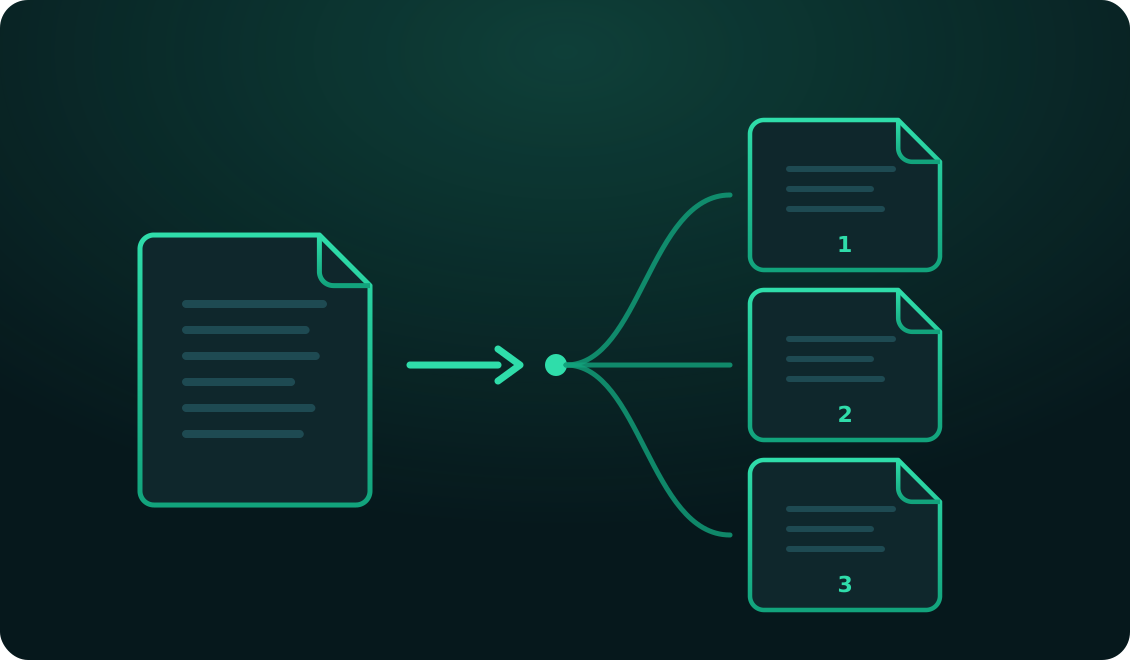
Break a PDF into parts, or keep only what you need
A long PDF is convenient for archiving and awkward for almost everything else. You need to send only chapter three and the whole file is too heavy. Your professor asked for the appendix pages only. You scanned twenty documents in one pass and now need them separated. Out of a full contract, only the signature page has to go out.
Splitting a PDF solves all of those, and here you get two modes depending on what you need: break the whole document into single pages, or extract only a specific range.
Split every page
This mode turns each page of the document into an independent PDF and delivers them all together inside a .zip, numbered in order. It's what you want when you scanned several separate documents in one go and now need each on its own, or when you're distributing pages of a handout among several people.
The files are named after the original document and numbered by page, so when you unzip them they're already in the right order and easy to identify without opening them one by one.
Extract specific pages
This mode produces a single PDF with exactly the pages you name. The syntax is simple: individual numbers and ranges with a dash, separated by commas. Typing 1-3, 5, 8-10 gives you a seven-page PDF with pages 1, 2, 3, 5, 8, 9 and 10, in that order.
Before processing anything, the tool reads how many pages your document has and tells you, so you know the range you're working with. If you ask for a page that doesn't exist, it says so straight away instead of quietly handing you an incomplete file.
Splitting doesn't degrade the document
Just as with merging, pages are copied exactly as they are from the original: not redrawn, not re-encoded. Text stays selectable and searchable, and images keep their exact resolution. The result is indistinguishable from the original except for the missing pages.
Worth keeping in mind if your goal was to reduce weight: extracting half the pages roughly halves the file, but if you need one document to take up much less while keeping all its pages, the right tool is Compress PDF. And to put parts back together afterwards, use Merge PDF.
Advertisement
Other tools
Combine several PDFs into one file, in the order you choose.
Strip out the pages you don't need and download a clean document.
Convert JPG and PNG photos to PDF, or a PDF to images.
Frequently asked questions
How do I write the pages I want to extract?
With numbers and dashes, separating ranges with commas. For example, "1-3, 5, 8-10" extracts pages 1, 2, 3, 5, 8, 9 and 10 into a single PDF, in that order. If you type a page that doesn't exist, we tell you before processing anything.
What's the difference between the two options?
"Split every page" turns each page into its own PDF and delivers them together in a .zip. "Extract specific pages" produces a single PDF containing only the pages you listed. The first is for breaking a document apart; the second for keeping a portion.
Does splitting lose quality?
No. Pages are copied exactly as they are from the original document, without reprocessing. Text stays selectable and images keep their exact resolution.
Is my PDF uploaded to a server?
No. Everything happens inside your browser, on your own device. The document is never sent over the internet, so you can split sensitive paperwork without handing it to anyone.
Can I split a password-protected PDF?
No. If the file is encrypted the tool can't read its pages and will show an error. Remove the protection first from the program you open the document with.
Is there a page limit?
The practical limit is the file size: 20 MB. Within that you can split documents with many pages without trouble, because separating doesn't require redrawing them.