 ConvertiPDF
Combine several PDFs into one file, in the order you choose.
No sign-up · 100% in your browser
Compress PDF online, free and without uploading your file
Shrink a PDF that won't attach to an email or pass an upload limit. Choose a level and download it in seconds, without signing up and without the document leaving your device.
- Your files are never uploaded
- No upload waiting
- Unlimited conversions
0Files uploaded
20 MBPer file
30Pages per PDF
Getting ready…
Done
Nothing is sent to the internet: the file is read and generated on your device.
PDF up to 20 MB and 30 pages (depending on your device's memory).
Advertisement
How it works
1
Upload your PDF
Drag the document or click to select it. 20 MB maximum.
2
Choose a level
Light, medium or maximum, depending on how much you need to shrink it.
3
Download the result
We show you what it weighed before and after, before you download.
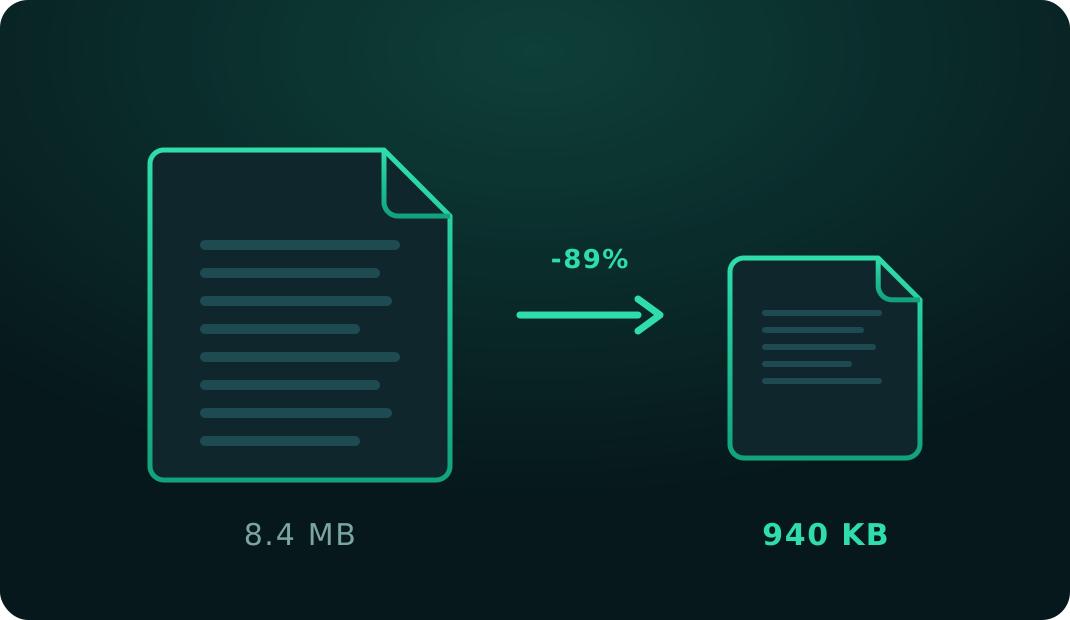
Shrink a heavy PDF without installing anything or handing over your documents
Almost everyone hits the same wall eventually: you try to attach a PDF to an email and it exceeds the size limit, or a government portal only accepts files under 2 MB and yours is 8. Compressing is the obvious fix, but most online tools ask you to upload the document to their server — and that isn't always acceptable for a contract, an ID, a bank statement or a medical file.
This tool solves it differently: compression happens entirely inside your browser. Your PDF never travels over the internet and no copy is kept anywhere.
What the compression actually does
A PDF is usually heavy for one of two reasons. By far the most common is that it contains large images: pages photographed with a phone, high-resolution scans, or screenshots inserted without optimisation. The other, much rarer, is a huge amount of text with embedded fonts.
This tool tackles the first case, which covers the vast majority of everyday documents. Each page is redrawn at a controlled resolution and stored as an optimised image inside the new PDF. The result keeps the same page count, the same paper size and the same visual appearance, at a fraction of the weight.
There is an honest trade-off worth knowing before you use it: the text stops being selectable. Once it becomes part of an image it can't be copied, searched with Ctrl+F, or read by a screen reader. For a scanned document that changes nothing, because it was already an image. But if your PDF came out of Word and needs to stay searchable, compressing is not what you want.
The three levels
Light reduces the file while keeping good sharpness. It's the default and the sensible choice for most cases. Medium balances both: quality drops noticeably when you zoom in, but the document stays perfectly readable on screen and in print. Maximum prioritises size above all — use it when the upload limit is strict and legibility is the only goal.
After compressing you always see the original size, the new size and the percentage saved. If the PDF doesn't shrink because it was already optimised, we tell you rather than dressing a worse file up as an improvement.
If even maximum can't get you under the limit, the document probably just has too many pages — in that case split the PDF and send it in parts. And if you need the opposite, there's Merge PDF.
Advertisement
Other tools
Break a PDF into single pages or extract only what you need.
Strip out the pages you don't need and download a clean document.
Convert JPG and PNG photos to PDF, or a PDF to images.
Frequently asked questions
How much smaller will my PDF get?
It depends heavily on the document. Scanned PDFs or picture-heavy files typically drop by 50–90 %. A plain-text PDF shrinks much less, and sometimes it is already so well optimised that it doesn't shrink at all — when that happens we say so plainly instead of handing you a worse file.
Is my PDF uploaded to a server?
No. All compression happens inside your own browser, on your device. The document is never sent over the internet, which makes this safe even for contracts, invoices or files with personal data.
Will the text stay selectable?
No. To compress without a server, each page is turned into an image inside the PDF, so text can no longer be selected, copied or searched. The document still looks and prints the same. If you need searchable text, don't compress the file.
Which level should I pick?
Start with Light: it keeps decent sharpness and is usually enough to get past an email limit. If it's still too heavy, try Medium. Save Maximum for strict upload limits where some loss of definition is acceptable.
Is there a usage limit?
No. Compress as many PDFs as you like, with no account and no sign-in. The only limit is 20 MB per file.